Billing & setup
 SAYLS editorial team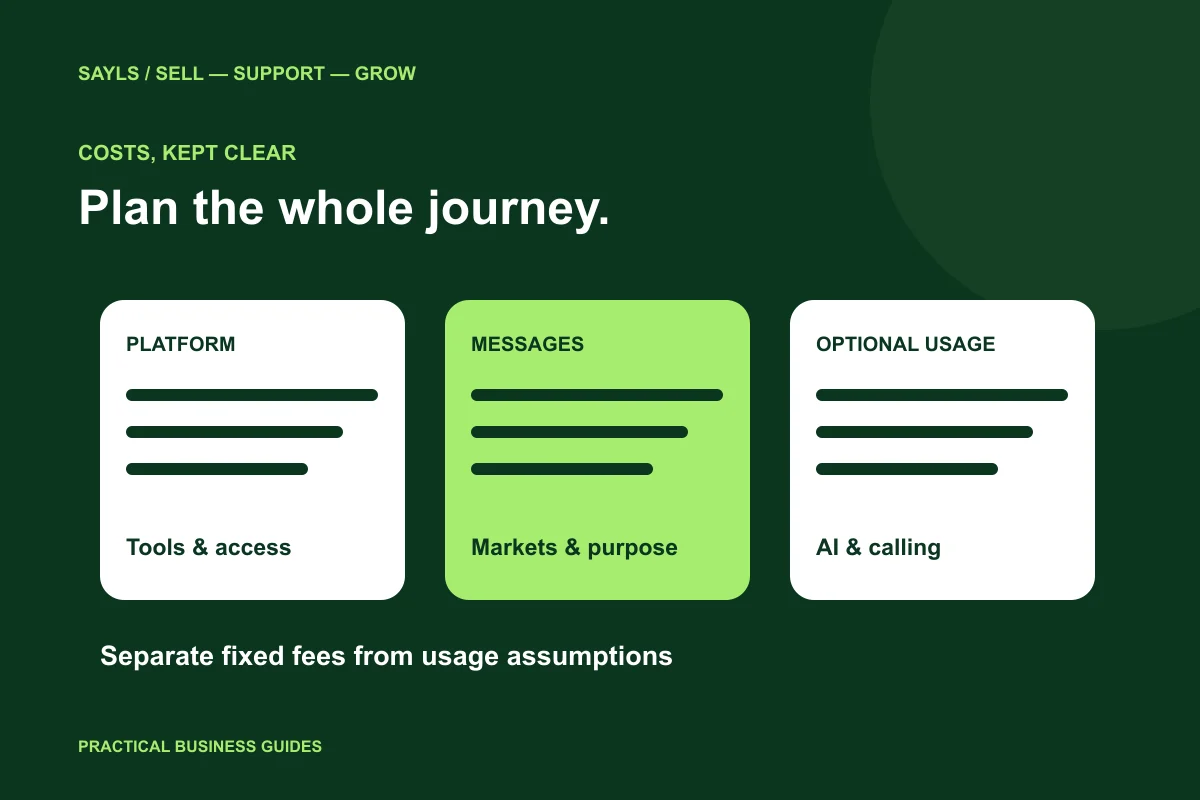

The useful short answer
Compare the whole workflow. Separate the SAYLS subscription from Meta messaging and any optional services, then estimate your intended markets and message purposes using current rates.
A platform subscription answers what tools your team can use. It does not automatically answer what every customer message will cost. To compare WhatsApp Business API options sensibly, separate the workspace, the provider’s messaging charges and any optional usage. Then estimate the customer journey your business actually intends to run.
A little preparation
Before you start
Have these ready so the next steps feel simpler.
Tick the items you have ready.
What you'll leave with
- A clearer cost worksheet
- Comparable plan requirements
- A small review before scaling
STEP 1 OF 5
Separate the three parts of the budget
Start with a worksheet that has three headings: platform subscription, Meta messaging and optional services. Put the SAYLS plan under the first heading. Put any separately charged messaging under the second. Record AI, calling or other external services under the third only when your intended setup actually uses them.
This prevents a common comparison mistake: treating a low monthly platform fee as the complete operating cost. Read what the selected plan includes, which services require their own account or billing arrangement, and what the checkout confirms. Keep estimated usage separate from fixed subscription commitments.

Separate fixed and usage-based costs.
STEP 2 OF 5
Use current rates for the recipient markets
Meta’s pricing page describes a delivered-message model with rates that depend on the recipient market and message category. It also describes free service messaging, qualifying utility messages and other pricing conditions. Use the live official rate information instead of copying an old price from an article or assuming every destination costs the same.
List the markets you intend to reach and the purposes of the messages. Avoid presenting your account’s billing currency as proof of a recipient’s message rate. The currency shown for a SAYLS subscription and Meta’s applicable pricing rules answer different questions. Confirm both before approving a campaign budget.
Check current rates for the intended markets.
STEP 3 OF 5
Estimate a real journey rather than a total contact count
Take one ordinary journey, such as an online order. Write down which updates are useful, which are triggered by a customer’s question and which are optional marketing. A list of 5,000 contacts does not mean all 5,000 should receive every message, and an imported number does not establish marketing permission.
Create a low, expected and busy-period estimate for your own business. Include the staff time needed to review exceptions and reply to customers. These are planning scenarios, not guaranteed delivery or sales figures. Their value is making the assumptions visible before you spend money.
Write down your own planning assumptions.
STEP 4 OF 5
Compare SAYLS plans against operational needs
Count the team members and business numbers that need access, then identify the specific tools required for the journey. A shared inbox, store connection or automation allowance should solve a defined task. More features are useful only when your team has a clear reason to use them.
The SAYLS pricing page uses the current published plan catalog. Review the displayed billing period, resource limits, introductory conditions and regular renewal amount. If you need a custom scope, contact the Enterprise team through website live chat and describe the operation you want to support.
Match the plan to actual team requirements.
STEP 5 OF 5
Review the first small run before expanding
Start with an authorised test and a manageable customer workflow. Record what actually happened: intended audience, messages used, customer replies, provider charges and staff follow-up. Compare those results with your original assumptions before increasing the audience.
Keep one owner for the subscription review and one for the messaging budget if different people manage them. That simple separation makes invoice questions easier to answer. You can explore SAYLS during the seven-day platform trial, while still checking any separate provider requirements that apply to your connected setup.
Compare a small run with your estimate.
Bring the steps together
A clearer way forward.
- 01Separate the costs
- 02Estimate the journey
- 03Review actual use
Go to the source
Official references
Provider screens and rules can change. Use the current official documentation for account-specific requirements.

 A little clarity goes a long way