

Set up SAYLS.
Solve the next question.
Connect your WhatsApp account. Understand the costs. Build a useful workflow. Practical answers for the business you run.
Find your starting point



 A GOOD PLACE TO BEGIN
Your first week.
With a little more clarity.
Give your trial a purpose. Start with one real task, find the right setup and decide what makes your working day easier.
Plan your first seven daysAnswers you can put to work
Find the guide
for the task in front of you.
 Your first week
How to start your 7-day SAYLS trial and choose a plan
Create your SAYLS workspace, verify your email, try a real WhatsApp workflow and choose the plan that fits your team.
Read the guide Connect officially
Connect WhatsApp Business to SAYLS without writing code
Understand Meta Embedded Signup, choose a new Cloud API number or eligible Business App coexistence, and test your SAYLS connection.
Read the guide Understand the costs
Understand and set up WhatsApp Business messaging payments
Keep your SAYLS subscription and Meta messaging costs clear. Learn what to check before adding a payment method to the correct WhatsApp billing account.
Read the guide Prepare for verification
Prepare your business for Meta verification
Gather consistent business information, use authorised Meta access and understand what business verification does and does not mean.
Read the guide See the whole workflow
How SAYLS turns WhatsApp enquiries into a team workflow
See how the shared inbox, contact records, bots, AI and store connections fit together in a practical SAYLS customer journey.
Read the guide Send with a purpose
Prepare a WhatsApp campaign customers expect to receive
Build a useful audience, organise consent, prepare an appropriate template and test your SAYLS campaign before scaling.
Read the guide Keep an eye on quality
Build a practical WhatsApp account-quality routine
Use SAYLS number context, message outcomes and Meta account information to spot issues early and improve customer messaging.
Read the guide Connect store context
Connect Shopify to a clearer WhatsApp order-support workflow
Prepare your Shopify access, authorise the SAYLS connector, map appropriate messages and test order support before enabling automation.
Read the guide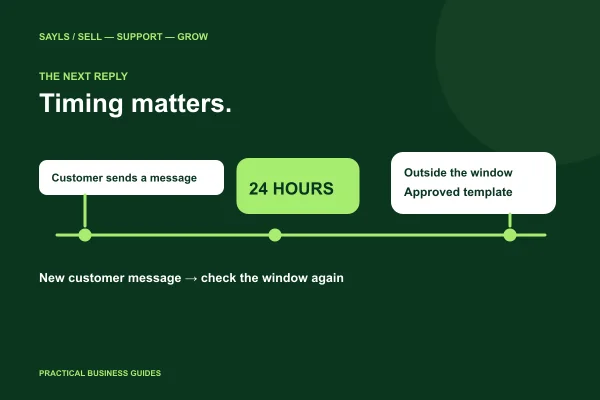 Know when to reply
WhatsApp’s 24-hour window: when can your team reply?
Understand the WhatsApp 24-hour customer service window, when approved templates are needed, and how to plan replies and handovers in SAYLS.
Read the guide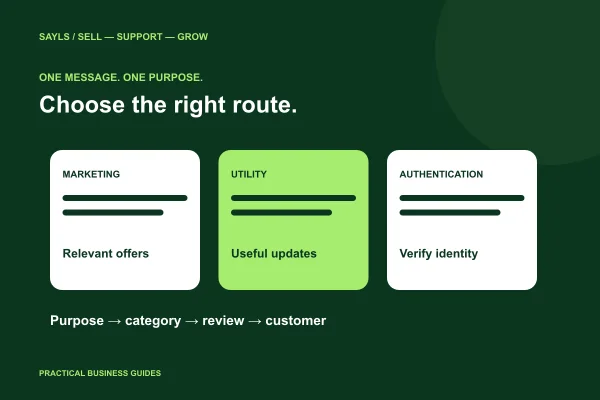 Give each message a purpose
WhatsApp templates: choose the right category and purpose
Compare marketing, utility and authentication template purposes. Prepare clearer WhatsApp messages and review approval before using them in SAYLS.
Read the guide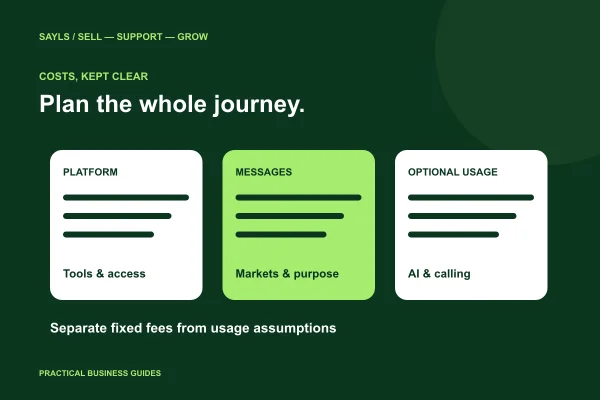 Budget with clarity
WhatsApp Business API costs: plan your messaging budget
Build a practical WhatsApp Business API budget. Separate SAYLS subscription costs, Meta message charges and optional usage before choosing your plan.
Read the guide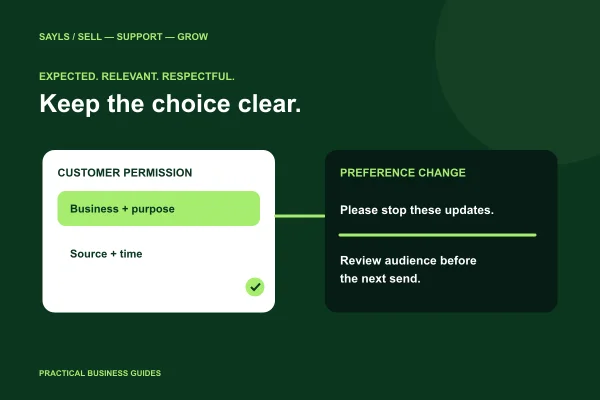 Respect the customer’s choice
WhatsApp opt-in and opt-out: a practical business checklist
Prepare clearer WhatsApp permissions and opt-outs. Learn what to record, how to handle stop requests and how SAYLS consent tools fit your workflow.
Read the guide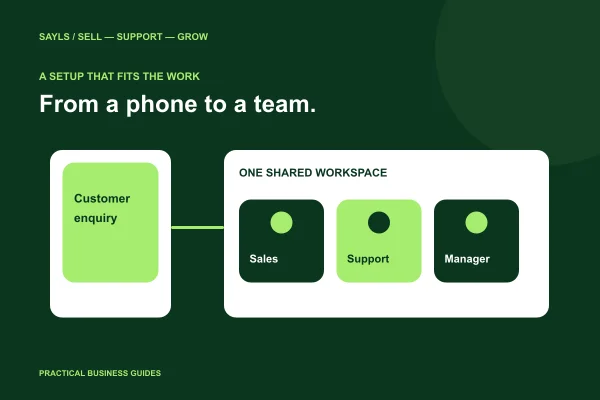 Choose around your team
WhatsApp Business app or API: what does your team need?
Compare a phone-led WhatsApp Business setup with an API-connected team workspace. Decide using reply ownership, multiple numbers and workflow needs.
Read the guide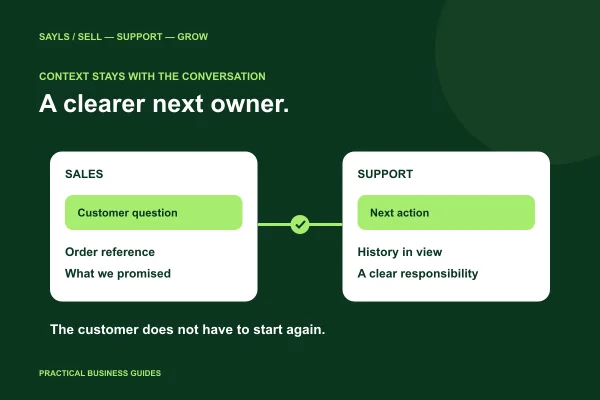 Keep the next person informed
WhatsApp support handovers: stop asking customers to repeat
Build a clearer WhatsApp customer-support handover with shared history, customer context and reply ownership. Use this practical SAYLS team checklist.
Read the guide
Let's try a different starting point.
Try a shorter question or choose another topic. You can also ask our team for help.

A real question deserves a useful answer
Still have a question?
Tell us the step you're on. Our team can help you find a clearer way forward.