Templates & campaigns
 SAYLS editorial team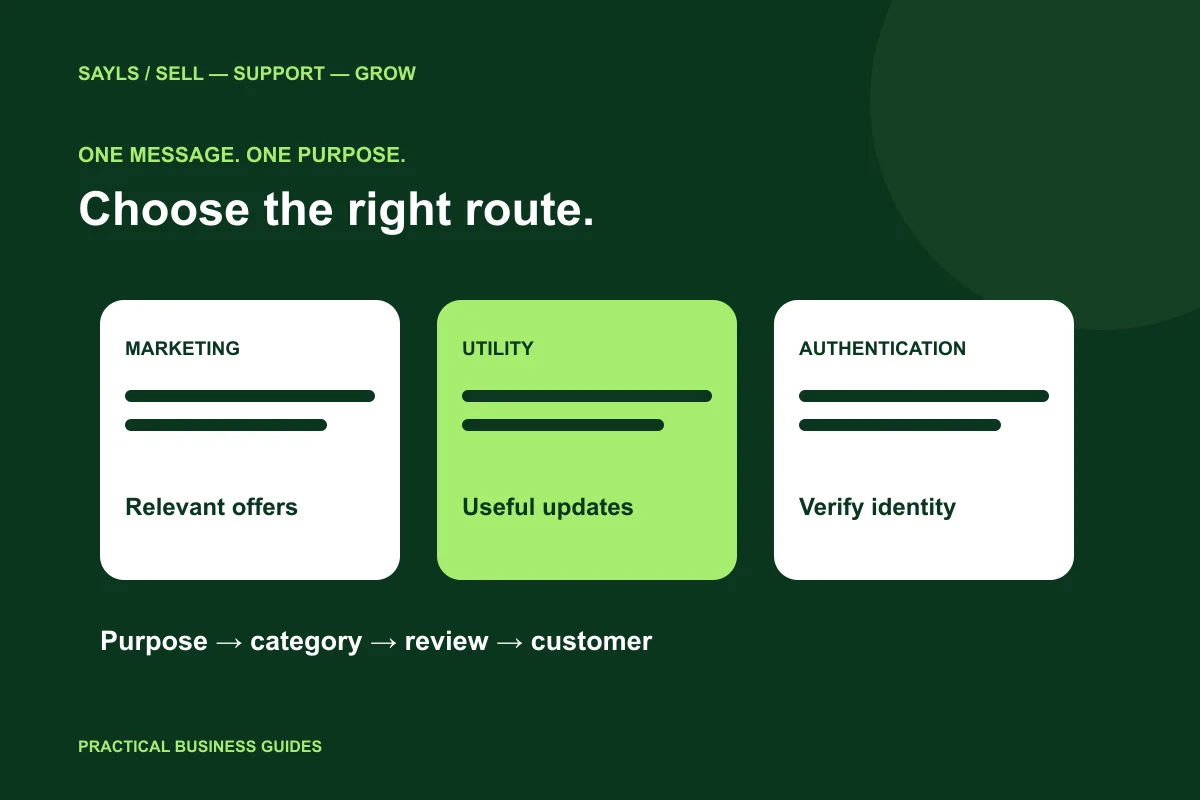

The useful short answer
Choose the business purpose first, then prepare the appropriate template. Review its current category, language, status and completed values before using it in a customer workflow.
Your order update and your weekend promotion may look similar in a chat, but they serve different purposes. Choosing a WhatsApp template starts with what the message is trying to do. This guide helps a business team prepare useful content, avoid confusing transactional updates with advertising, and make approval checks part of its sending routine.
A little preparation
Before you start
Have these ready so the next steps feel simpler.
Tick the items you have ready.
What you'll leave with
- Clearer category decisions
- A practical template review
- A tested next step for the customer
STEP 1 OF 5
Write the purpose before the message
Start with one sentence your whole team understands: tell the buyer about this order, share an offer with an interested audience, or provide a verification code. Keep the actual draft aligned with that purpose. A vague label such as customer update hides decisions that affect the recipient’s expectations.
Create an internal note for each recurring message: audience, business event, required values, responsible team and next action. This is useful whether you have ten customers or several departments. It makes the template easier to review and makes mistakes easier to trace when an enquiry reaches support.

Describe the single purpose in plain English.
STEP 2 OF 5
Distinguish marketing, utility and authentication
WhatsApp describes marketing messages as promotional communication, including offers, recommendations and re-engagement. Utility messages address a specific user request, transaction or other appropriate non-promotional update. Authentication templates support identity verification through one-time passcodes. Use the official category guidance rather than deciding from the message’s length.
An order dispatch update and an invitation to buy another item have different purposes. Adding a discount to a service update changes what the recipient is being asked to do. Do not disguise a promotion as an operational notice. Meta determines the template category and can review its status; a category chosen during preparation is not a permanent approval.
Compare it with the official category guidance.
STEP 3 OF 5
Make variables and buttons easy to understand
Read the completed message with realistic sample values. A template that sounds clear with placeholders can become confusing when an order reference is missing or a link points to the wrong destination. Assign a colleague to check the final wording rather than reviewing only its name.
Give the recipient one clear action. For an order question, that may be reviewing the reference or selecting a supported reply button. For a promotion, it may be viewing the relevant product. Avoid combining several unrelated requests into one message. Never place passwords, private access tokens or unnecessary sensitive information in a template.
Preview real values, buttons and destinations.
STEP 4 OF 5
Review status before using a template in SAYLS
Use the template-management tools in SAYLS to organise the messages connected to your business workflow. Check the intended number, language and available status before selecting a template for a campaign. A familiar name alone is not enough to identify the correct message.
If a submission is not approved, read the actual feedback and revise the relevant part. Repeatedly cloning the same rejected wording does not resolve the cause. Keep a short change record so your team knows which version is in use, and confirm that variables still match the customer data used by your workflow.
Read the current status in the correct account.
STEP 5 OF 5
Run a small content and handover review
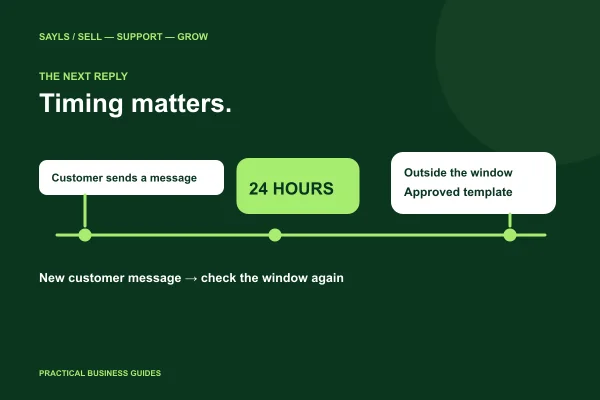
Test the customer experience with an authorised contact. Follow the button or link, read the rendered message and check where a reply arrives. A well-written message loses its value if the next team cannot find the conversation or does not know what was promised.
Review the whole path: appropriate audience, relevant content, valid template, correct values and a person responsible for replies. SAYLS brings templates, campaigns and conversation handling into a connected workflow. Choose the modules and allowances from the current plan comparison rather than assuming every feature is included in every subscription.
Test the customer and staff journey together.
Bring the steps together
A clearer way forward.
- 01Define the purpose
- 02Review the message
- 03Test the response
Go to the source
Official references
Provider screens and rules can change. Use the current official documentation for account-specific requirements.