Choosing your setup
 SAYLS editorial team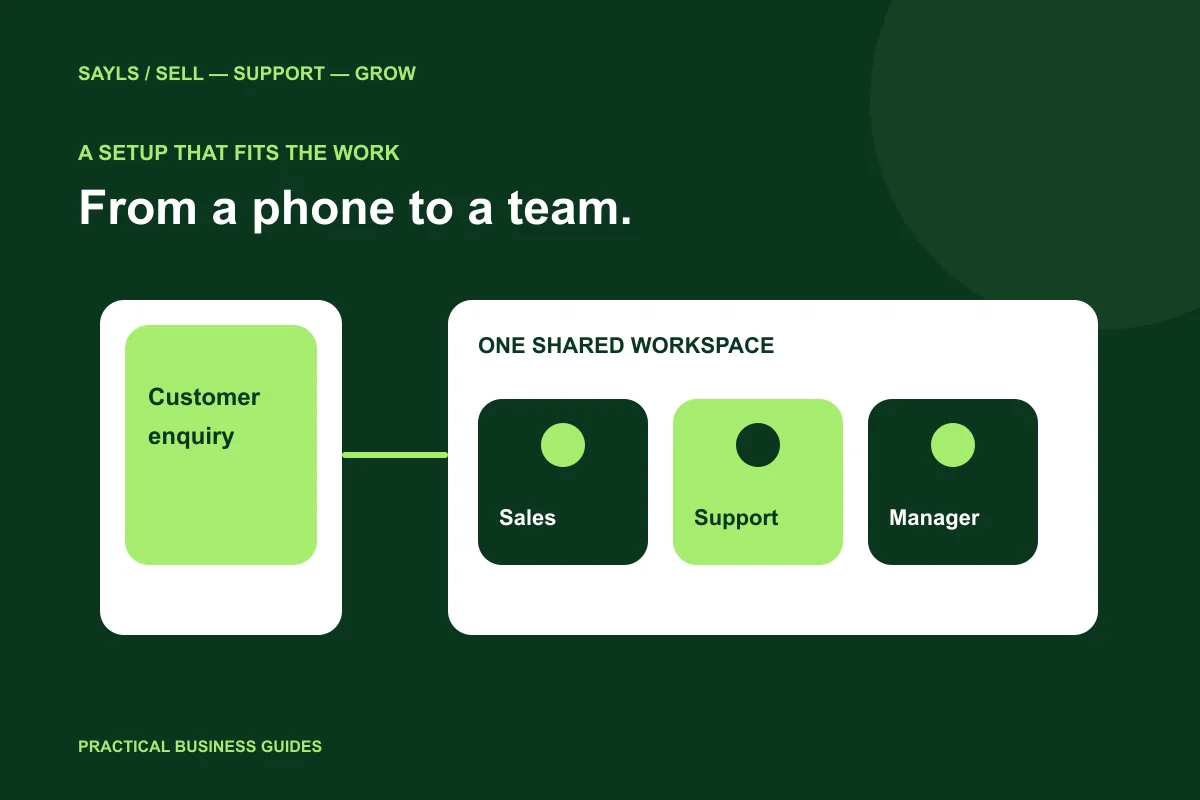

The useful short answer
Compare the work you need to share. A connected workspace becomes useful when customer context, individual ownership, multiple numbers or integrations need a clearer home.
A small business may manage customer conversations comfortably from the WhatsApp Business app. As more people, branches or store workflows become involved, the problem often changes: who owns the reply, which number should answer, and what happened before the next colleague arrived? Choose a setup around those questions rather than moving to an API simply because it sounds more advanced.
A little preparation
Before you start
Have these ready so the next steps feel simpler.
Tick the items you have ready.
What you'll leave with
- A practical app-versus-platform decision
- A shared-inbox test
- Plan requirements based on actual work
STEP 1 OF 5
Look at the work your team needs to share
Write down the conversations that are difficult today. Perhaps one person has to forward screenshots, another cannot identify the correct branch, or the order team cannot see what sales promised. These are operational gaps. Naming them makes a platform comparison more useful than a list of product names.
Also record what already works. If a single person handles a small, simple conversation flow, avoid adding complexity without a reason. The right question is whether a connected workspace solves a meaningful constraint in your business, not whether every business must use the same tools.

List the handovers that are difficult today.
STEP 2 OF 5
Understand the role of a connected platform
The WhatsApp Business Platform provides APIs for businesses to connect messaging with software and customer workflows. A product such as SAYLS supplies the working interface around supported capabilities: shared inboxes, customer context, team responsibilities and configured automation.
The API is not a separate consumer chat app and does not automatically create a complete business process. Your team still needs the appropriate business setup, a deliberate connection path and clear access rules. Use official onboarding and read the permissions presented for your account before connecting assets.
Separate the API from the working interface.
STEP 3 OF 5
Compare shared ownership and number context
Ask how the proposed setup helps the next person understand an enquiry. In SAYLS, explore the shared inbox, individual team access and number-selection workflow. A useful test is whether a colleague can identify the business number, read the relevant conversation and see the next action without asking for screenshots.
Check the current plan’s number and team allowances before choosing. Do not compare an unspecified platform package against a fixed linked-device count: products, account conditions and subscriptions can change. Compare the actual access your operation needs and confirm the limits offered at checkout.
Test number identity and reply ownership.
STEP 4 OF 5
Choose a number connection path deliberately
Before onboarding, identify how the number is currently used and who controls the related business assets. Do not delete an existing mobile account or change a live customer number merely to experiment. Ask about the supported route and any account-specific eligibility before taking a disruptive step.
SAYLS setup guidance distinguishes a new platform connection from eligible Business app coexistence. Availability depends on the supported onboarding path and Meta’s account conditions. Treat that as a setup decision to confirm for your own number, rather than a promise that any existing app account can connect in the same way.
Confirm eligibility before changing a live number.
STEP 5 OF 5
Evaluate one complete customer journey
Try a real business task in the platform trial: a product question, an order enquiry or an appointment request. Include both the customer’s message and the staff handover. Check whether the process is clearer for the people doing the work, not only whether the demo looks impressive.
Then compare the relevant SAYLS plan, messaging requirements and any optional services. Keep a person available for exceptions and policy-sensitive decisions. The useful outcome is a setup your team understands and can operate, with a defined reason for each automation or integration.
Evaluate a complete journey with your team.
Bring the steps together
A clearer way forward.
- 01Find the operational gap
- 02Test a shared workflow
- 03Choose a suitable setup
Go to the source
Official references
Provider screens and rules can change. Use the current official documentation for account-specific requirements.

 A little clarity goes a long way