Responsible messaging
 SAYLS editorial team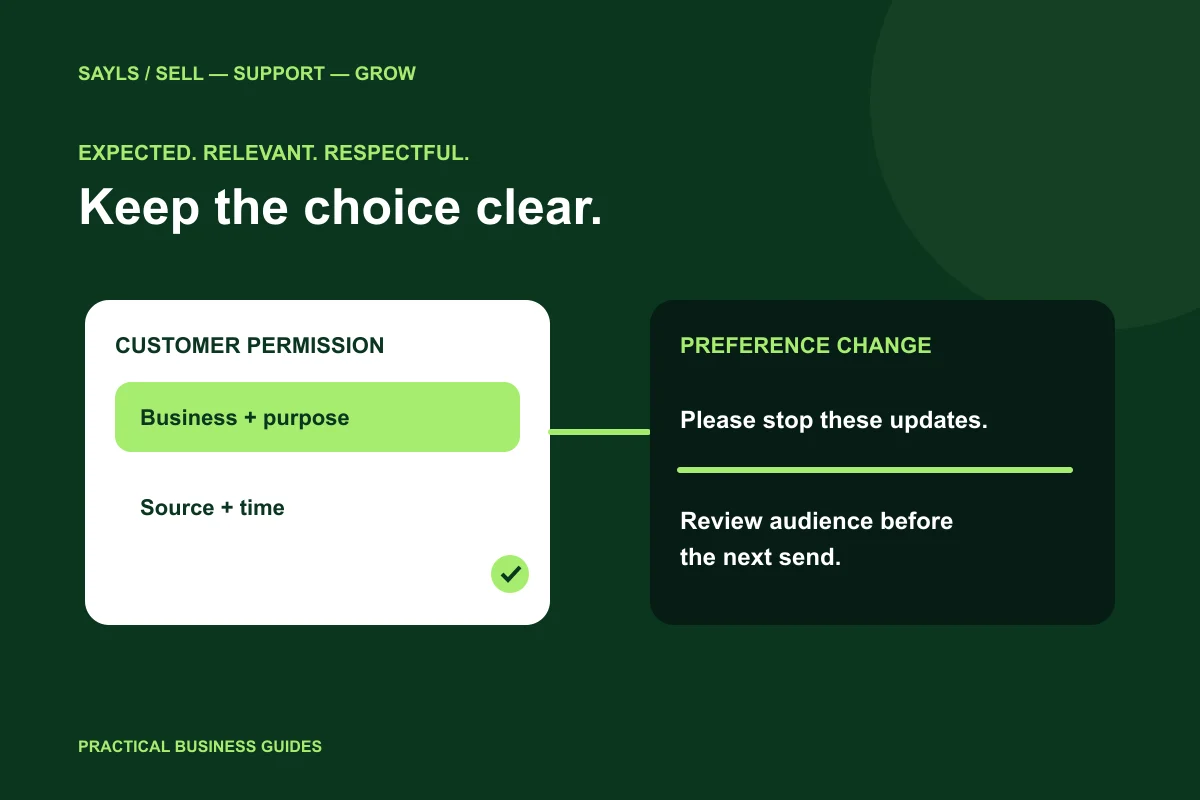

The useful short answer
Record what the person expects, retain useful permission context and give opt-outs a clear owner. Check the audience again before the next send rather than relying on the existence of a phone number.
A customer gives you a number to ask about an order. That does not tell your team whether the person expects a future promotion, a reminder or a phone call. A useful permission process records the expectation clearly and makes it easy to respect a change of mind. Here is an operational checklist for building that process around your WhatsApp workflow.
A little preparation
Before you start
Have these ready so the next steps feel simpler.
Tick the items you have ready.
What you'll leave with
- More useful permission records
- A repeatable opt-out handover
- A clearer campaign review
STEP 1 OF 5
Make the customer’s expectation explicit
WhatsApp’s policy requires permission for subsequent messages or calls and requires businesses to honour opt-outs. Design your collection process around what the person is agreeing to receive. Identify the business and the communication purpose clearly; do not hide that decision inside unrelated wording.
For your own team, distinguish an order-related request from a marketing audience. Keep the permission wording consistent across a website form, store checkout and staff-assisted enquiry. Review the applicable local rules with the responsible adviser where needed. A CRM field supports your records; it does not make an unclear permission process valid.

Explain the business and message purpose.
STEP 2 OF 5
Keep evidence that a colleague can understand
Choose a practical internal record: when the permission was collected, where it came from, what was communicated and which business or purpose it covered. Avoid a single unexplained yes that no one can trace later. Do not collect extra sensitive data merely to make a record look more complete.
If you import existing contacts, review the permission evidence separately from the CSV itself. A clean phone-number column and a successful import confirm data formatting, not marketing eligibility. Keep contacts out of a planned campaign when the team cannot establish why they should expect it.
Keep a record another colleague can interpret.
STEP 3 OF 5
Give stop requests a real owner
A stop request may arrive in a chat or through another support channel. Your process should make that request visible to the people who prepare the next send. Decide who reviews it and how the audience is corrected before another campaign begins.
In SAYLS, use the available consent and opt-out tools alongside your contact records and messaging workflow. Check the selected customer and number context rather than marking an unrelated record. Test the behaviour your business relies on; do not assume that a keyword you have never configured will automatically manage every preference.
Test the stop-request route.
STEP 4 OF 5
Review audience relevance before each campaign
Permission is not a substitute for relevance. A person interested in a product restock may not want a weekly list of unrelated offers. Prepare the audience around the purpose, check exclusions and decide how frequently your own business should communicate.
Before a send, ask a colleague to review the message from the recipient’s point of view. Can they recognise the sender, understand the reason and find a clear way to respond? SAYLS campaigns, contact groups and shared conversations help organise that work. The team still chooses the audience and handles the response.
Check relevance and exclusions together.
STEP 5 OF 5
Test permission changes through the full workflow
Use an authorised internal contact and test the route from collection to campaign preparation to a preference change. Verify that the person responsible for the next send can see the correct information. Include a handover between two team members so the process does not depend on one person’s memory.
Review the routine when you add a store integration, a new number or another audience source. Keep your privacy information consistent with how your business actually operates. The goal is a repeatable, understandable customer relationship—not simply a larger contact list.
Review the process when sources change.
Bring the steps together
A clearer way forward.
- 01Explain the purpose
- 02Record the expectation
- 03Respect the change
Go to the source
Official references
Provider screens and rules can change. Use the current official documentation for account-specific requirements.

 A little clarity goes a long way