
Review the audience
Check customer expectations, permission records and opt-out exclusions.
Review your audience, template, account and response plan before a WhatsApp campaign. See what is ready and what still needs attention.
 A clearer next conversation
Enter the details below. Your result appears on this page.
Complete the fields and use the button to see your result.
Check customer expectations, permission records and opt-out exclusions.
Review the approved template, values, links and button actions.
Make sure a person or configured workflow can handle the responses.
Use your actual campaign setup rather than ticking boxes by assumption.
Leave anything unresolved unchecked so it appears in the results.
Address the gaps and check current account conditions before sending.
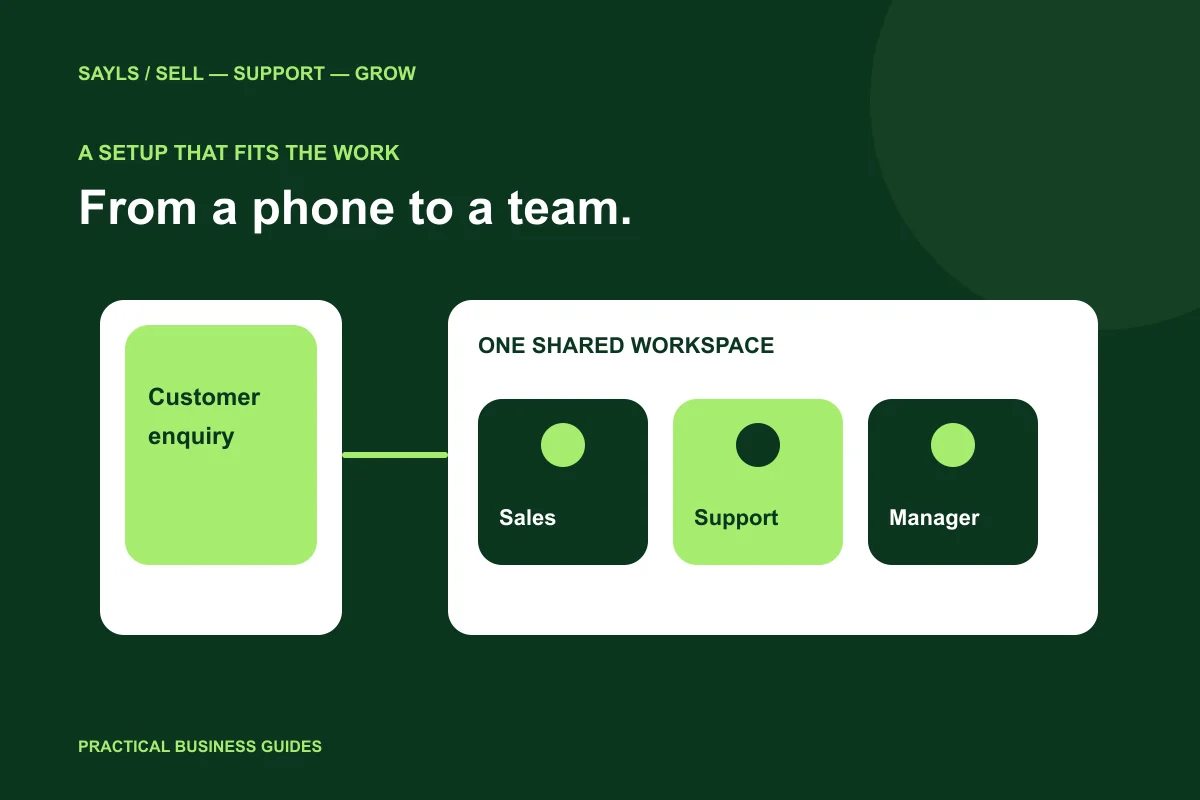
The message needs a relevant audience, accurate details and a team ready to answer. Use the checklist as a practical conversation with your team before the campaign goes out.
Explore the SAYLS team inboxUse connected customer context, configured automation and a clear handover to your team in SAYLS.
Find the practical details, then take the next step.
Ask the SAYLS teamNo. It is a preparation checklist based on the items you confirm. It does not read your Meta account or calculate an official quality rating.
No checklist can guarantee approval, delivery or account safety. Meta policies, account conditions and recipient feedback still apply.
Resolve them before deciding to send. Review recipient permission, template status, current account limits and the team’s response plan.
Yes. Review the actual audience, message, number and account conditions for each campaign instead of reusing an earlier result automatically.
Turn a business number and a useful opening message into a click-to-chat link.
Use the free toolCreate a downloadable QR code for your counter, parcel or business card.
Use the free toolBuild a simple WhatsApp link button for your website. Copy the HTML and add it to your page.
Use the free toolBring customer conversations, team replies and configured automation into SAYLS. Try the platform free for 7 days, without a credit card.
Connected accounts and separate provider usage charges may apply.