

See the complete scenario
Keep message spend, platform fees and other costs visible in one estimate.
Estimate messaging spend before a campaign or business rollout. Enter your current provider rate, expected billable messages and optional platform costs.
 A clearer next conversation
Enter the details below. Your result appears on this page.
Complete the fields and use the button to see your result.
Keep message spend, platform fees and other costs visible in one estimate.
Change the quantity or rate and compare scenarios without losing the page.
Copy the result or download a CSV to share with your team.
Use the same currency for every amount in the estimate.
Check the rate for the relevant recipient market and message category with your provider.
Adjust the values, calculate again and download the scenario you want to keep.
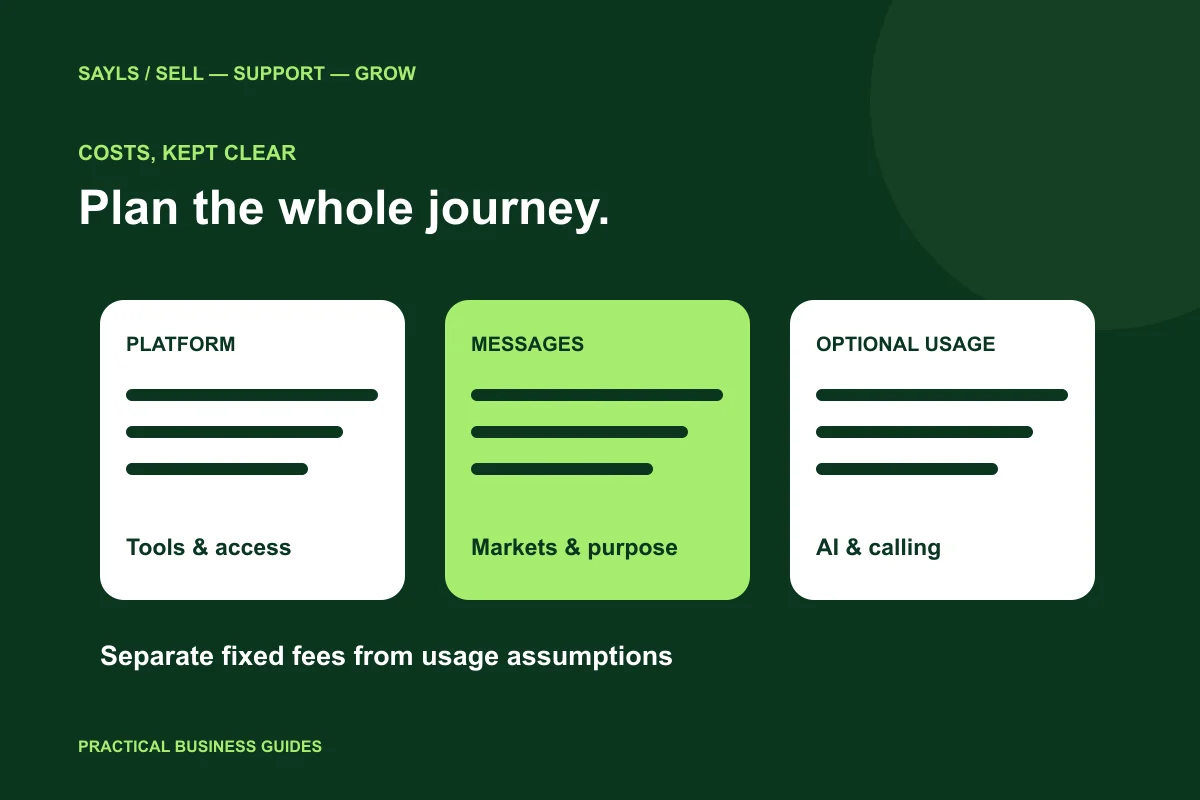
A monthly subscription and WhatsApp message spend are different parts of the budget. Keep them separate, use the rate that applies to your audience, and compare each category or recipient market as its own scenario.
Read the cost-planning guideUse connected customer context, configured automation and a clear handover to your team in SAYLS.
Find the practical details, then take the next step.
Ask the SAYLS teamNo. You enter the current rate from your provider or agreement. Rates can vary by recipient market, category and provider terms, so check the applicable rate before budgeting.
The estimate adds billable messages multiplied by your entered rate, plus the optional platform fee and other costs you enter. Taxes and charges you do not include are outside the estimate.
Yes. You can enter quantities such as 1,000 and rates such as 0.031. Use a period for the decimal separator. Negative amounts and fractional message counts are not accepted.
Yes. Copy the result or download it as a CSV after calculating. The estimate is processed in your browser and is not a provider quote.
Turn a business number and a useful opening message into a click-to-chat link.
Use the free toolCreate a downloadable QR code for your counter, parcel or business card.
Use the free toolBuild a simple WhatsApp link button for your website. Copy the HTML and add it to your page.
Use the free toolBring customer conversations, team replies and configured automation into SAYLS. Try the platform free for 7 days, without a credit card.
Connected accounts and separate provider usage charges may apply.