
Bring offline customers closer
Give visitors a clear contact point at a counter, event or reception desk.
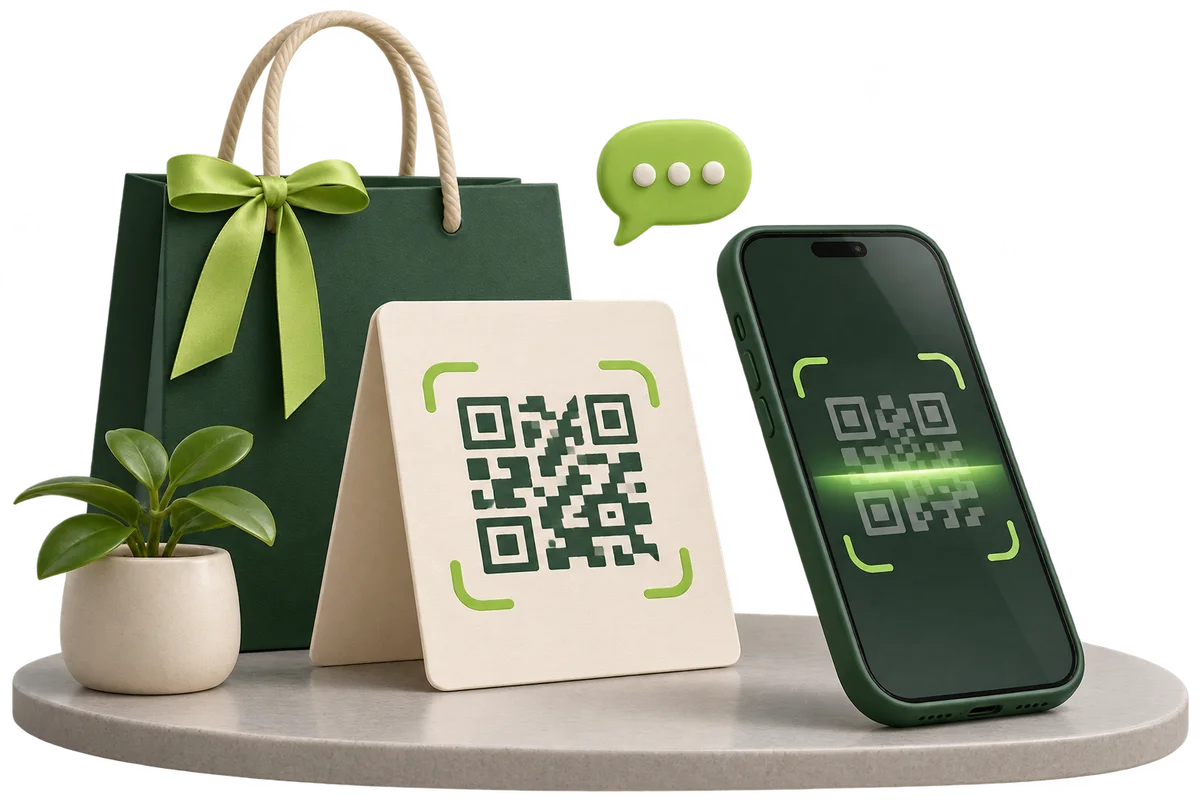
Turn your shop counter, packaging or printed material into a simple route to WhatsApp. Create a QR code with your number and an optional opening message.
 A clearer next conversation
Enter the details below. Your result appears on this page.
Complete the fields and use the button to see your result.
Give visitors a clear contact point at a counter, event or reception desk.
Add a short opening message so your team understands the enquiry.
Use SVG for scalable artwork or PNG for everyday sharing.
Use the international country code and a number you control.
Keep it concise so the code remains easy to scan.
Scan it with your own phone before using it in print or sharing it.
Put an enquiry card beside a product display, include a support code inside a parcel or add a contact point to an appointment card. A QR code connects the physical moment with a conversation your team can handle.
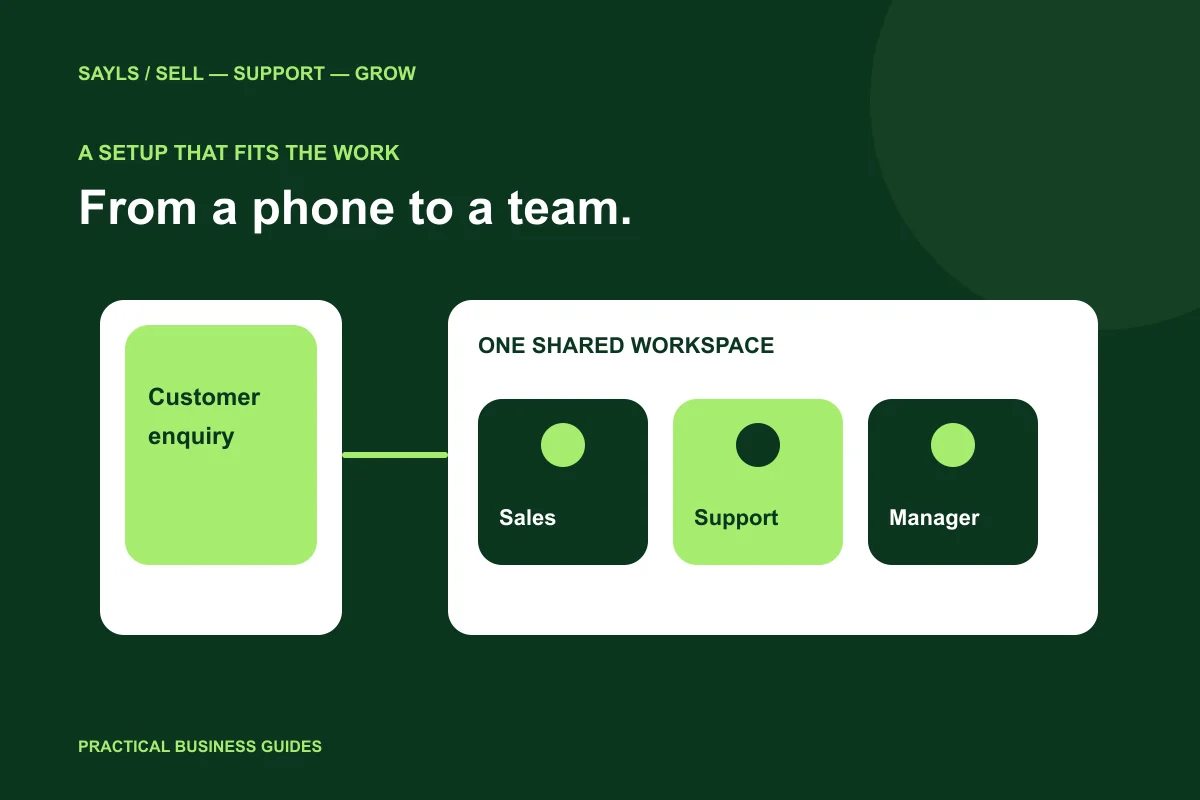
Explore the SAYLS team inboxUse connected customer context, configured automation and a clear handover to your team in SAYLS.
Find the practical details, then take the next step.
Ask the SAYLS teamYes. Generate your code, then choose SVG or PNG. SVG scales cleanly for artwork; PNG works well in documents and digital materials.
The code contains a direct WhatsApp link rather than a SAYLS short-link subscription. It keeps the same destination unless the number or WhatsApp service changes. Regenerate it if your number changes.
A downloaded code stores the link and message you generated. To change those details, generate and distribute a new code.
Print size, contrast, surface and camera conditions affect scanning. Keep the quiet white border and test the final printed size on a real phone.
Turn a business number and a useful opening message into a click-to-chat link.
Use the free toolBuild a simple WhatsApp link button for your website. Copy the HTML and add it to your page.
Use the free toolEstimate message spend using your own current provider rate. Keep messaging and platform costs separate.
Use the free toolBring customer conversations, team replies and configured automation into SAYLS. Try the platform free for 7 days, without a credit card.
Connected accounts and separate provider usage charges may apply.