

A clear next action
Let a visitor ask about a product, booking or service at the right moment.
Give visitors a clear WhatsApp contact button on your website. Choose your number, opening message and button label, then copy the ready-to-use HTML.
 A clearer next conversation
Enter the details below. Your result appears on this page.
Complete the fields and use the button to see your result.
Let a visitor ask about a product, booking or service at the right moment.
Choose a useful label that matches what your team can help with.
Copy the HTML into a supported custom-code or HTML block.
Enter your business number with its country code.
Add a short message and a clear label for your button.
Paste the HTML into your website and test it on desktop and mobile.
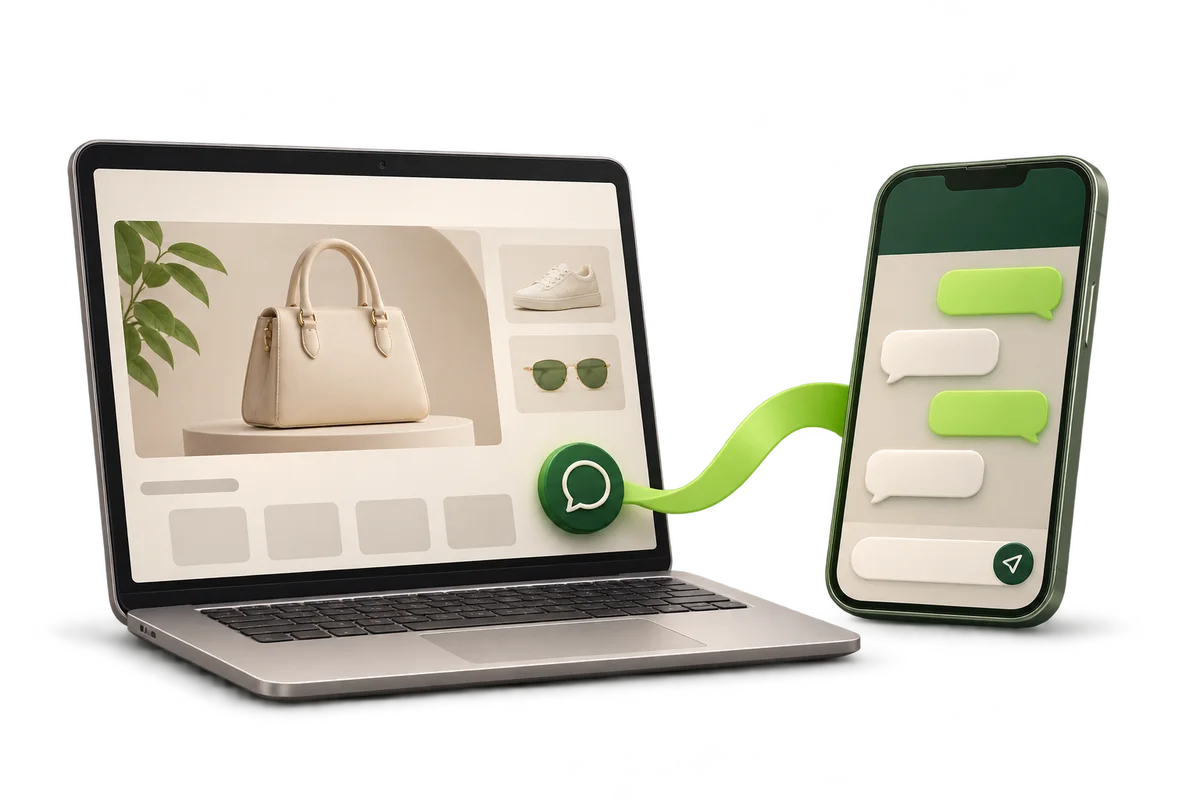
A visitor is comparing sizes, checking availability or planning a booking. A visible WhatsApp button helps them ask at that moment, while your team keeps the business context in view.
Explore the SAYLS team inboxUse connected customer context, configured automation and a clear handover to your team in SAYLS.
Find the practical details, then take the next step.
Ask the SAYLS teamThis tool creates a link button that opens WhatsApp. For an embedded chat conversation on your website, explore SAYLS Website Live Chat.
Copy the generated HTML into your website builder’s HTML or custom-code block. Your platform may require administrator access or a supported plan.
Yes. Enter a short label before generating the button. Choose words such as “Ask about this product” or “Chat with our team”.
No. WhatsApp opens with an optional draft. The visitor decides whether to send it.
Turn a business number and a useful opening message into a click-to-chat link.
Use the free toolCreate a downloadable QR code for your counter, parcel or business card.
Use the free toolEstimate message spend using your own current provider rate. Keep messaging and platform costs separate.
Use the free toolBring customer conversations, team replies and configured automation into SAYLS. Try the platform free for 7 days, without a credit card.
Connected accounts and separate provider usage charges may apply.