
What it means for your business
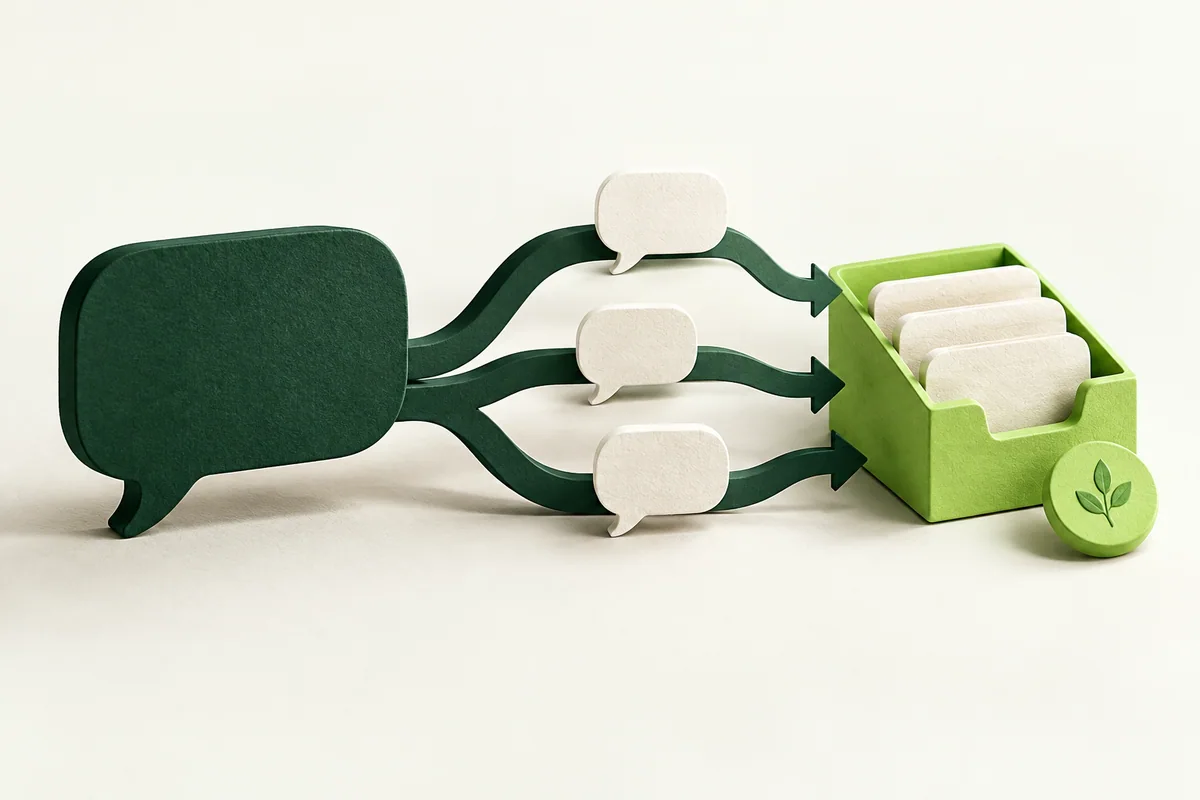
On WhatsApp, the customer’s most recent incoming message determines the familiar 24-hour service window. Opening the CRM or sending an outgoing reply does not restart it.
A useful next step
Check the latest incoming message and current channel status before replying. Outside the relevant window, use an appropriate approved template where required.
Put the idea into practice
Start with one real customer enquiry and the people who will handle it. Review your available account access, plan and connected services. Test the next action before relying on it in a live business workflow.
Read the related SAYLS guide