
What it means for your business
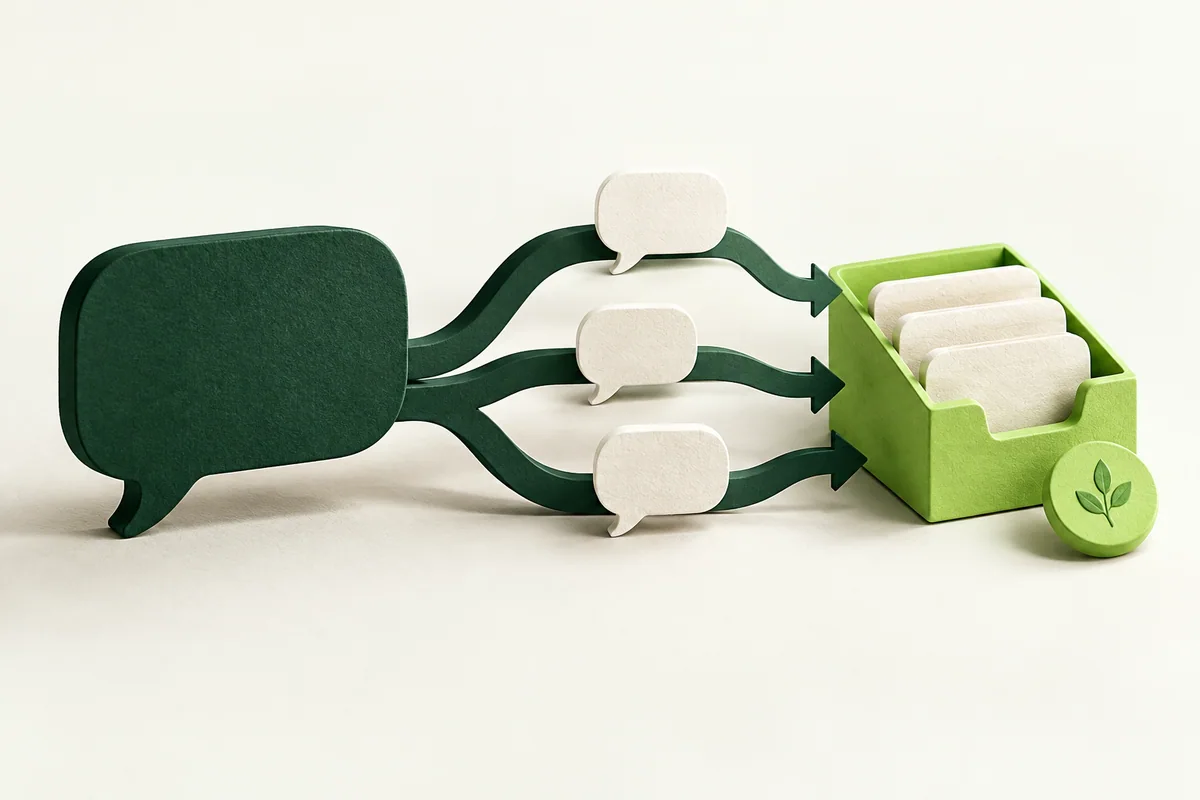
Templates can include supported headers, body variables and buttons. Their purpose determines the appropriate marketing, utility or authentication category.
A useful next step
Prepare useful examples, sample values and relevant button actions. Creation and approval are different steps; check the final approval and category before use.
Put the idea into practice
Start with one real customer enquiry and the people who will handle it. Review your available account access, plan and connected services. Test the next action before relying on it in a live business workflow.
Read the related SAYLS guide