Northwood · Example businessIllustrative WhatsApp message
A reminder for your booking
Hi Olivia, a reminder that your booking with Northwood Studio is on 10 December at 2:00 pm, Asia/Karachi. If your plans have changed, you can request another time.
Example preview · 10:42I will attendChange booking
Let customers confirm or change an existing appointment before the day arrives.
Northwood · Example businessIllustrative WhatsApp message
Your booking has changed
Hi Olivia, booking BK-219 has been updated as requested. Your new date and time are 12 December, 11:00 am, Asia/Karachi. Please review the details below.
Example preview · 10:42Review bookingGet help
Confirm the result of a rescheduling request clearly.
No examples match. Try another topic or a shorter search.
A SIMPLE WAY TO GET STARTED
Choose. Adapt. Review. Send.
01
Choose the real purpose
Start with the customer’s actual order, request or relevant promotional interest.
02
Adapt the content
Use your own business information, useful values and supported button actions.
03
Submit and test
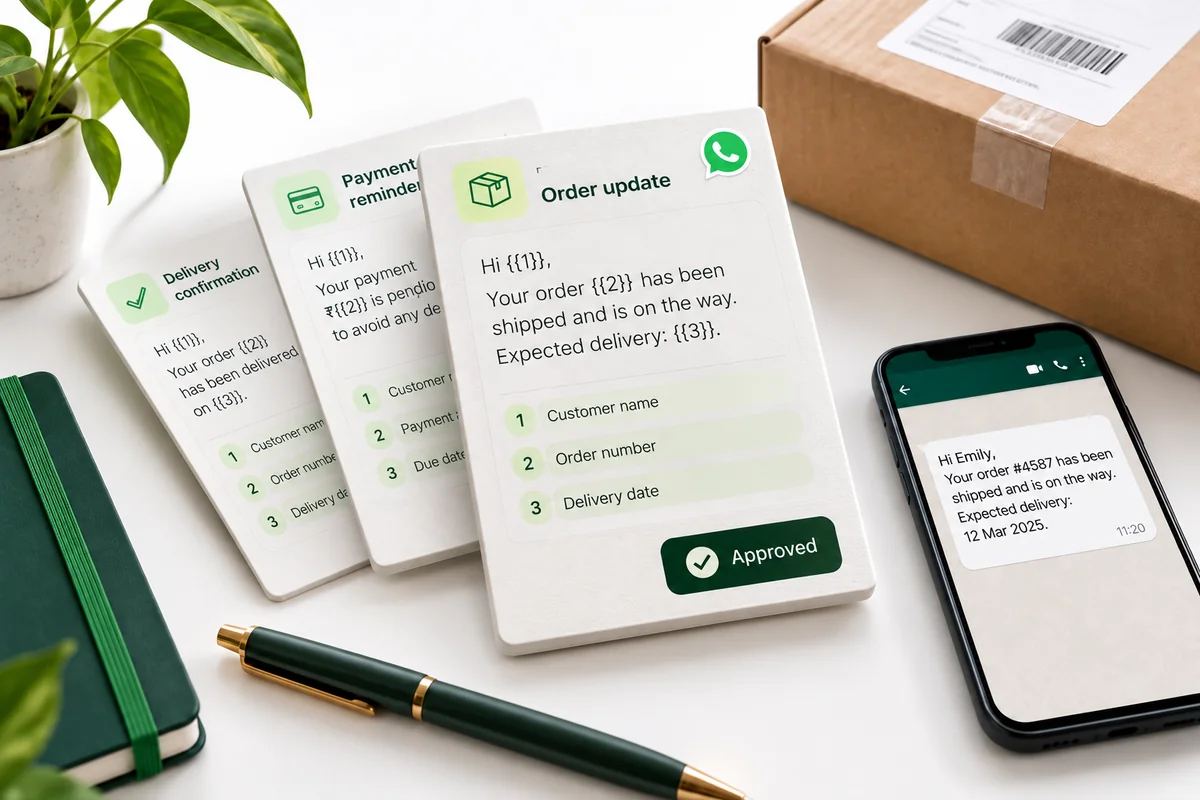
Wait for Meta review, then test the approved template in your supported workflow.
Examples to adapt, not pre-approved templates. Use your own business details, appropriate recipient permission and Meta-approved templates before sending. Meta determines the final category and approval. Understand template categories
YOUR NEXT STEP
Make the idea work for your business.
Try SAYLS free for 7 days. No credit card required. Connected services and provider usage charges may apply.