THE SAYLS TEMPLATE LIBRARY

Customer support.
A useful message, ready to shape.

Turn a support request into a useful update with a clear owner.

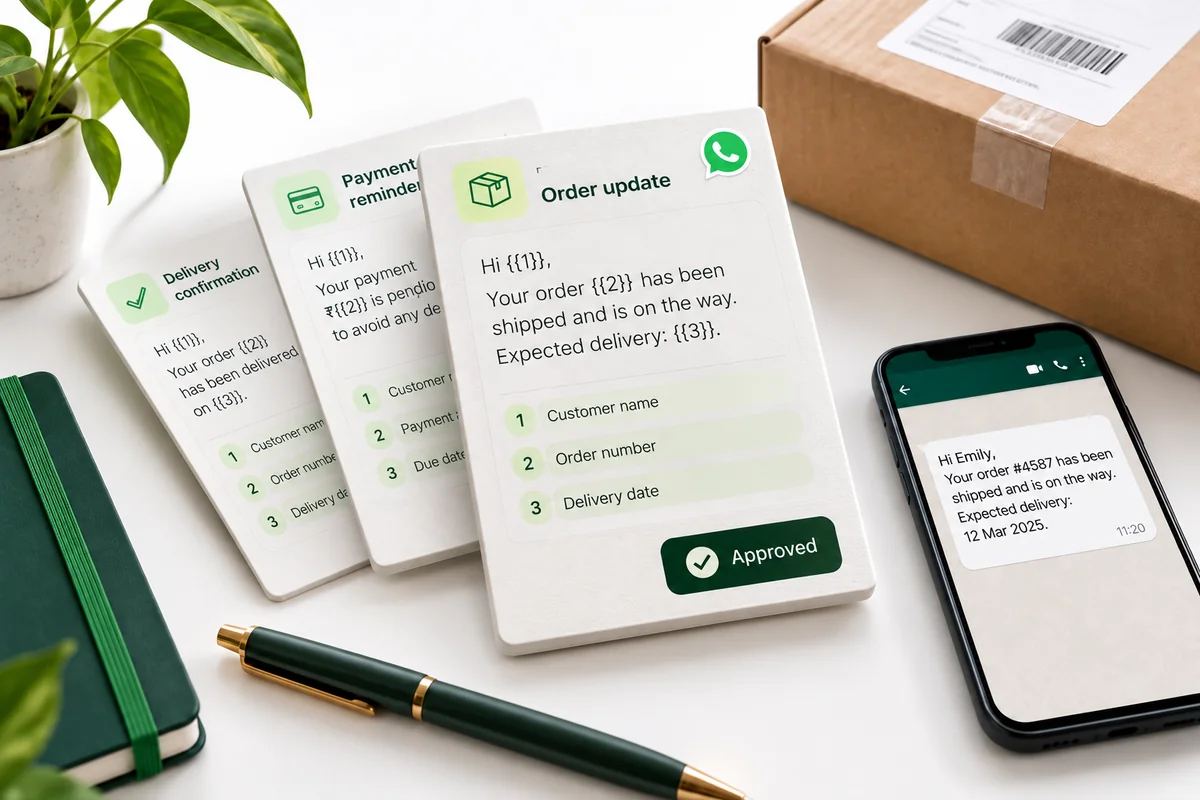
Illustration of business message templates in the SAYLS workspace
YOUR MESSAGE, WITH A PURPOSEA heading.
A helpful update.
A clear next action.

Reference the customer’s actual ticket or request.

Explain the next action instead of sending vague status messages.

Keep feedback requests tied to a specific completed interaction.

3 template examples

WhatsApp template examples

Northwood · Example businessIllustrative WhatsApp message
We have your request

Hi James, we have received your support request SUP-310 about your recent order. Our team will continue with your enquiry here.

Example preview · 10:42Add detailsView request

Reassure the customer that their specific request reached the team.

View example & setup
Northwood · Example businessIllustrative WhatsApp message
An update on your request

Hi James, we have an update on support request SUP-310: your delivery address has been corrected. Please reply if you still need help with this issue.

Example preview · 10:42Issue resolvedStill need help

Close the loop while leaving a direct route back to a person.

View example & setup
Northwood · Example businessIllustrative WhatsApp message
How was your support experience?

Hi James, following your support request SUP-310, how was the help you received from our team?

Example preview · 10:42HelpfulNeeds improvement

Collect feedback about a specific completed support interaction.

View example & setup
A SIMPLE WAY TO GET STARTED

Choose. Adapt. Review. Send.

  1. 01

    Choose the real purpose

    Start with the customer’s actual order, request or relevant promotional interest.

  2. 02

    Adapt the content

    Use your own business information, useful values and supported button actions.

  3. 03

    Submit and test

    Wait for Meta review, then test the approved template in your supported workflow.

Examples to adapt, not pre-approved templates. Use your own business details, appropriate recipient permission and Meta-approved templates before sending. Meta determines the final category and approval. Understand template categories
YOUR NEXT STEP

Make the idea work
for your business.

Try SAYLS free for 7 days. No credit card required.
Connected services and provider usage charges may apply.
Start my free trial Compare plans & included features