THE SAYLS TEMPLATE LIBRARY

Orders & ecommerce.
A useful message, ready to shape.

Keep the next step clear after a customer places an order.

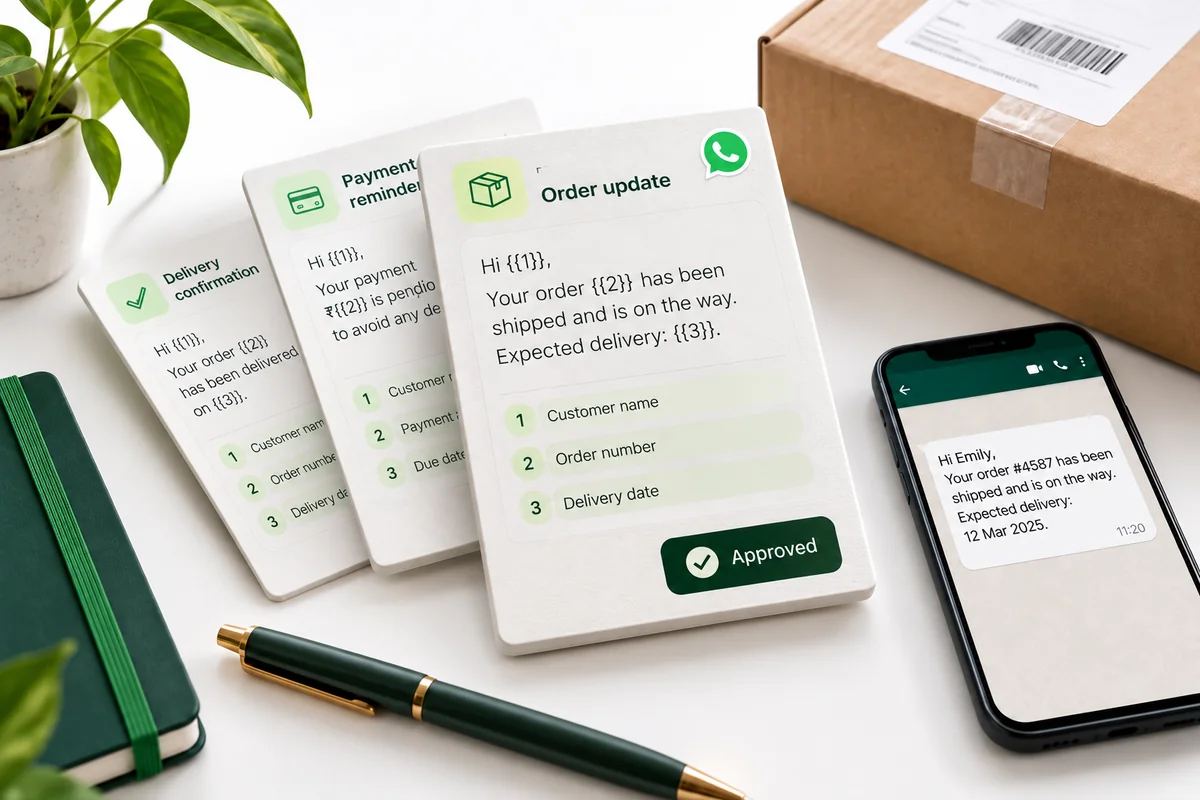
Illustration of business message templates in the SAYLS workspace
YOUR MESSAGE, WITH A PURPOSEA heading.
A helpful update.
A clear next action.

Use a real order reference so the customer recognises the update.

Link to a secure order page, rather than asking for payment details in chat.

Keep transactional updates separate from promotional offers.

3 template examples

WhatsApp template examples

Northwood · Example businessIllustrative WhatsApp message
Your order is confirmed

Hi Emily, we have received order NW-1048 from Northwood Store. Your order total is $84.00. You can review the details below.

Example preview · 10:42View orderGet help

Confirm a completed purchase without making the customer search their email.

View example & setup
Northwood · Example businessIllustrative WhatsApp message
Your order is on its way

Hi Emily, order NW-1048 has been dispatched. Your tracking reference is TRK-5821. The current estimated delivery date is 8 December.

Example preview · 10:42Track orderContact support

Answer “where is my order?” with a reference the customer can use.

View example & setup
Northwood · Example businessIllustrative WhatsApp message
Delivery update

Hi Emily, the carrier marked order NW-1048 as delivered on 8 December. If you have not received it, please let us know.

Example preview · 10:42ReceivedNeed help

Give customers a simple way to flag a delivery problem.

View example & setup
A SIMPLE WAY TO GET STARTED

Choose. Adapt. Review. Send.

  1. 01

    Choose the real purpose

    Start with the customer’s actual order, request or relevant promotional interest.

  2. 02

    Adapt the content

    Use your own business information, useful values and supported button actions.

  3. 03

    Submit and test

    Wait for Meta review, then test the approved template in your supported workflow.

Examples to adapt, not pre-approved templates. Use your own business details, appropriate recipient permission and Meta-approved templates before sending. Meta determines the final category and approval. Understand template categories
YOUR NEXT STEP

Make the idea work
for your business.

Try SAYLS free for 7 days. No credit card required.
Connected services and provider usage charges may apply.
Start my free trial Compare plans & included features